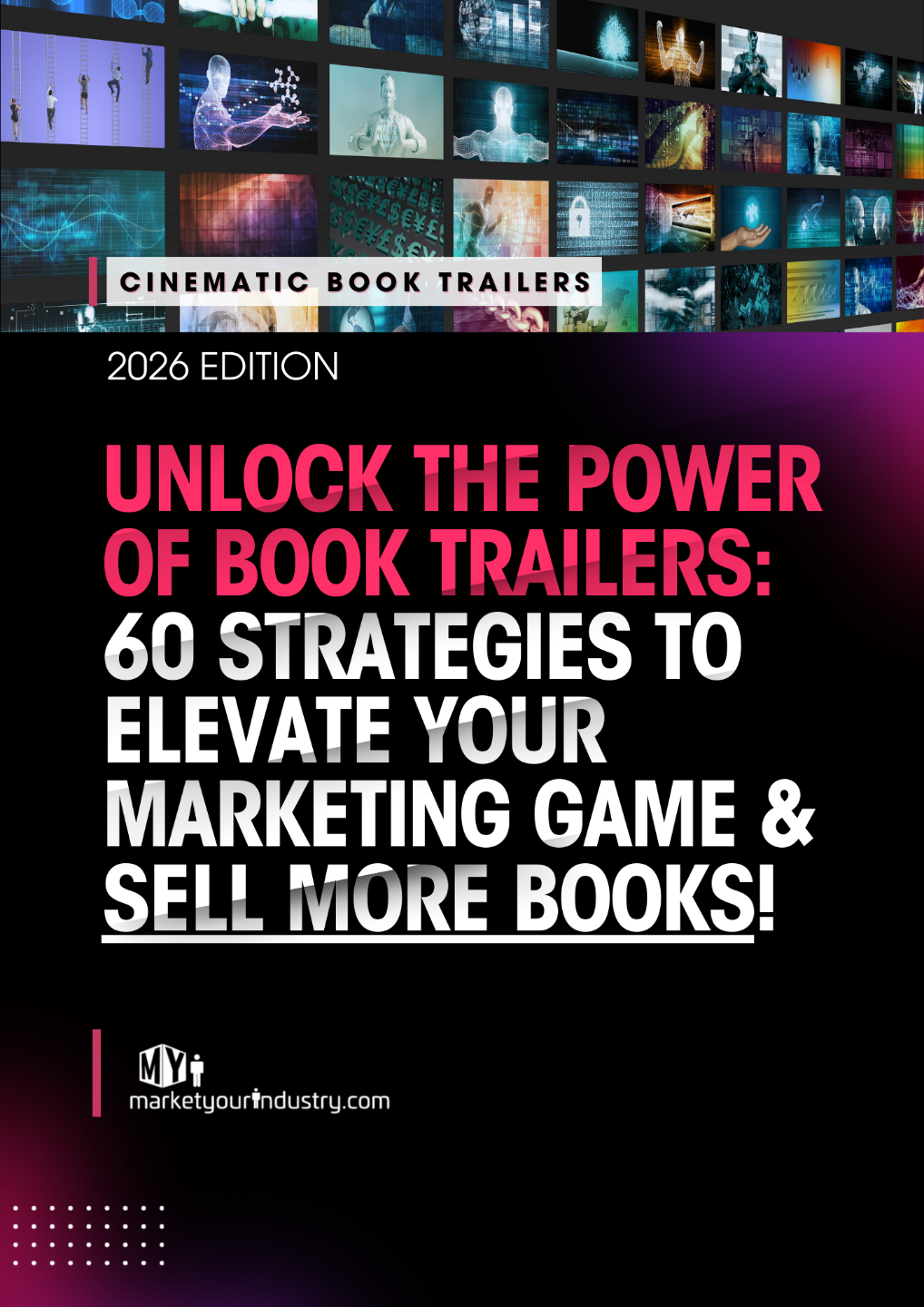
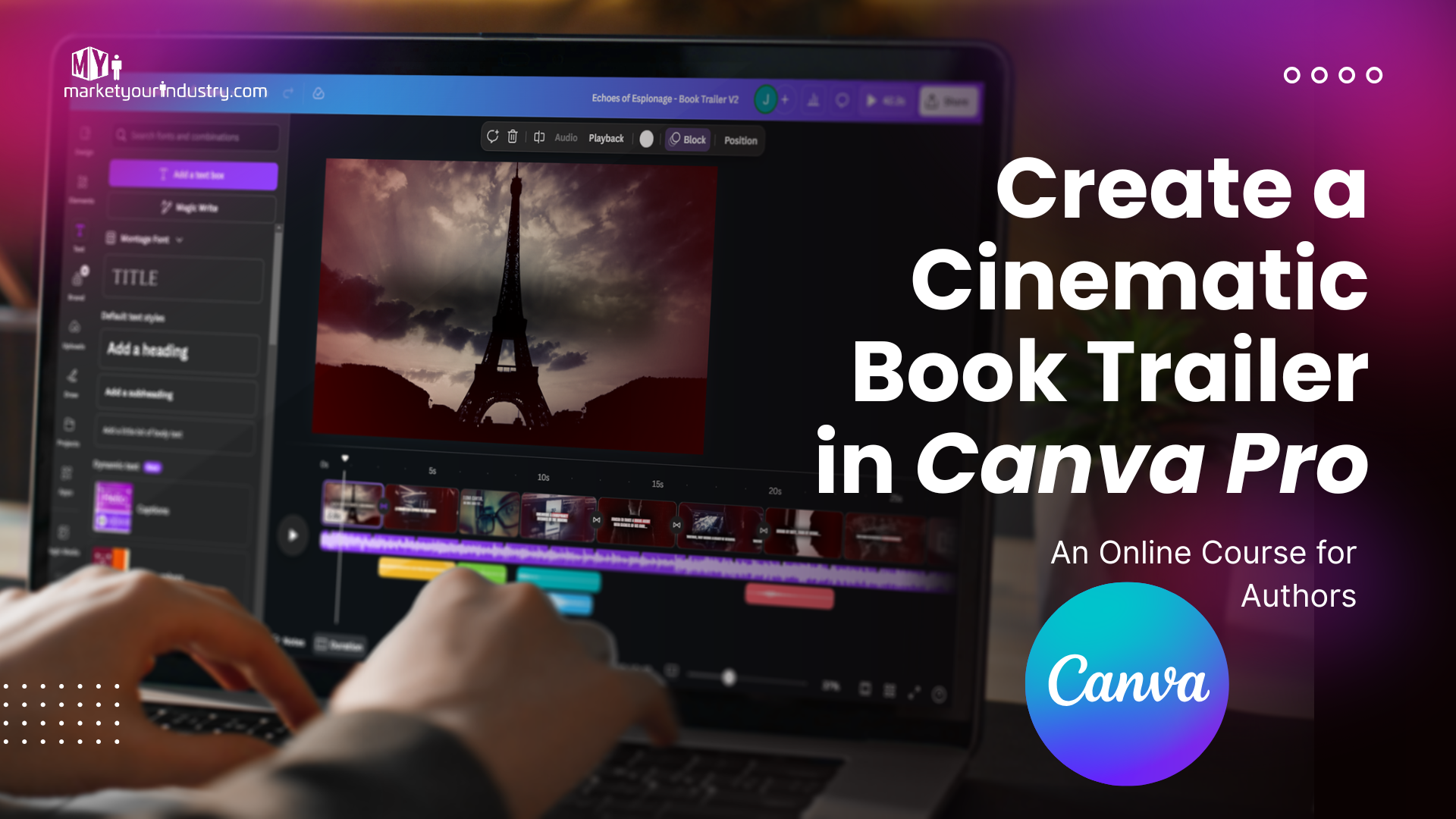
Create a Cinematic Book Trailer in Canva –
Even If You’ve Never Edited Video Before
The fastest, simplest way for authors to get more visibility, credibility, and book sales - without hiring expensive freelancers or wasting hours on YouTube tutorials.
You spent months writing your book.
But in today’s world, that’s only half the battle.
Readers don’t browse the way they used to. Books have to grab attention — instantly, visually, emotionally.
That’s why authors who use video are winning — and why book trailers have quietly become one of the most powerful ways to stand out in a crowded marketplace.
But there’s a problem… Every author wants a cinematic trailer. Very few know how to make one.
Most authors end up stuck in one (or more) of these four traps:
So you end up feeling stuck, behind, and invisible — while authors with polished trailers look legit, rack up views, and attract more readers.
You can create a professional, cinematic book trailer in Canva.
You just need the right system.
Get the Free Book Trailer Guide
Sign up to receive 60 Ways to Use a Book Trailer and occasional updates to help you create cinematic, high-impact trailers.
The Trailer Stack System
The simplest step-by-step method to create a studio-quality book trailer in Canva — no tech skills required.
This is the unique mechanism inside our course — what makes it different, stronger, and more effective than anything else online.
Inside the course, you’ll learn:
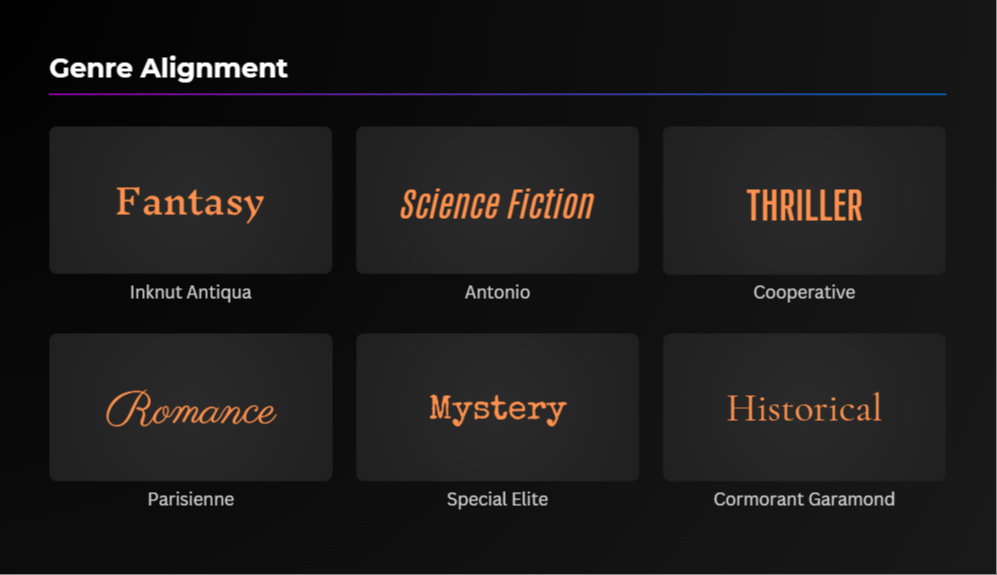
- How to choose visuals that match your genre (so your trailer instantly “feels right”).
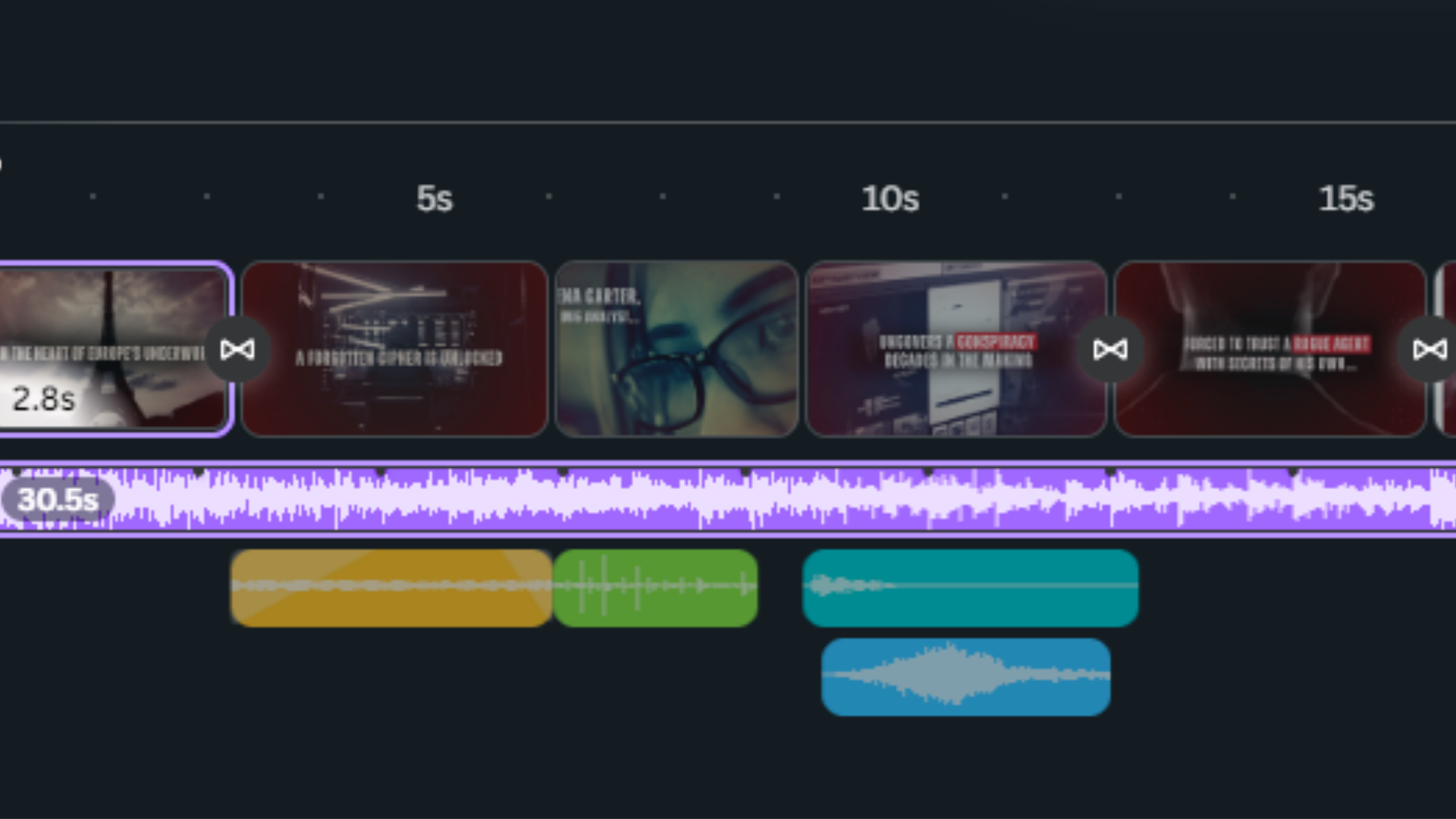
- How to create pacing and timing that keeps viewers watching.
- How to add cinematic music and sound effects without breaking copyright rules.
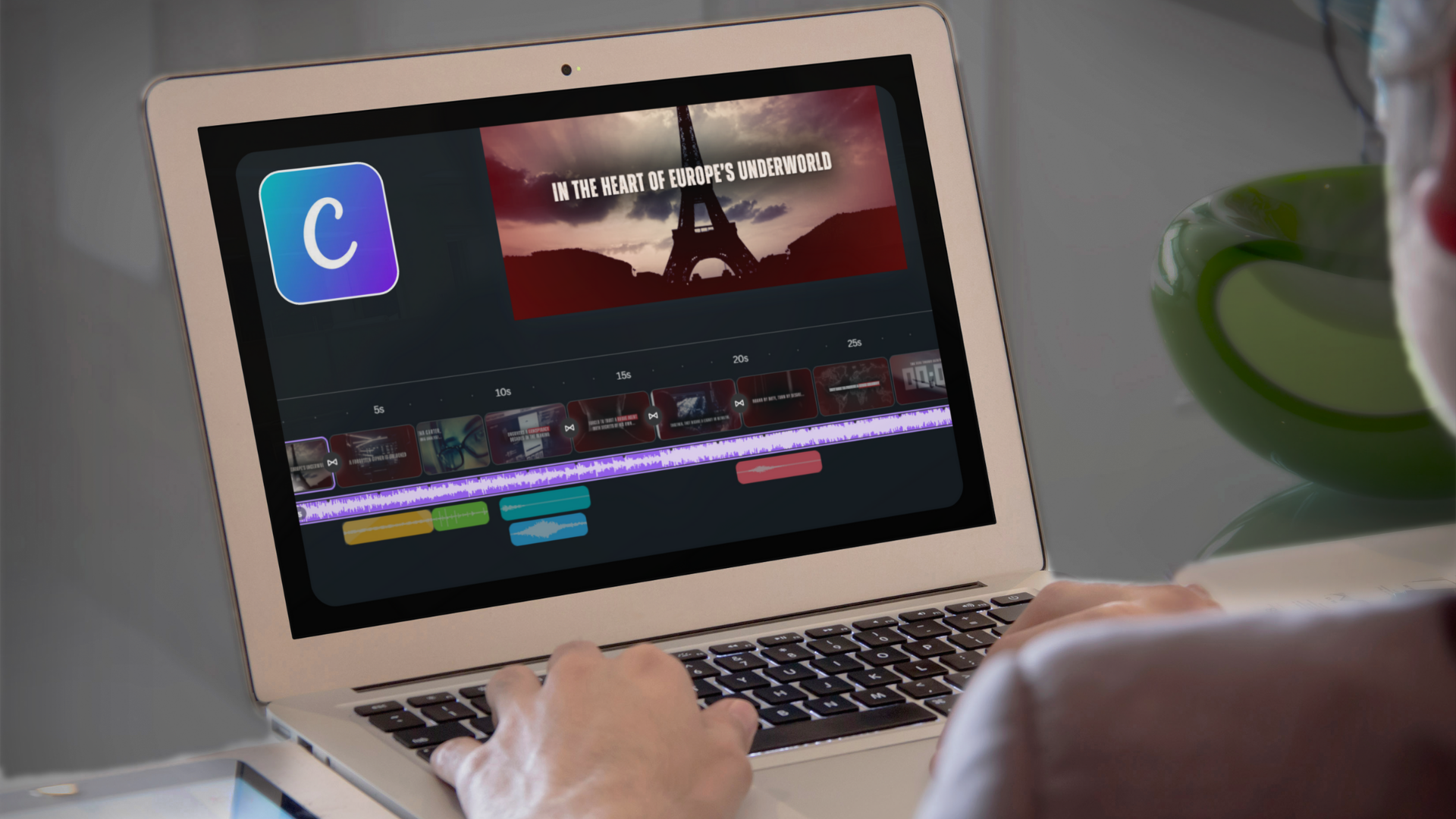
- How to use Canva Pro’s hidden features to make your trailer look like actual film editing.
- How to structure your trailer so it builds emotion and makes people want the book.
This is not a “follow along with templates” course. It’s a complete system that shows you exactly how to build a real, professional trailer from scratch.
By the end, you’ll create a trailer you’re genuinely proud to share — and you’ll know how to make trailers for every future book you release.
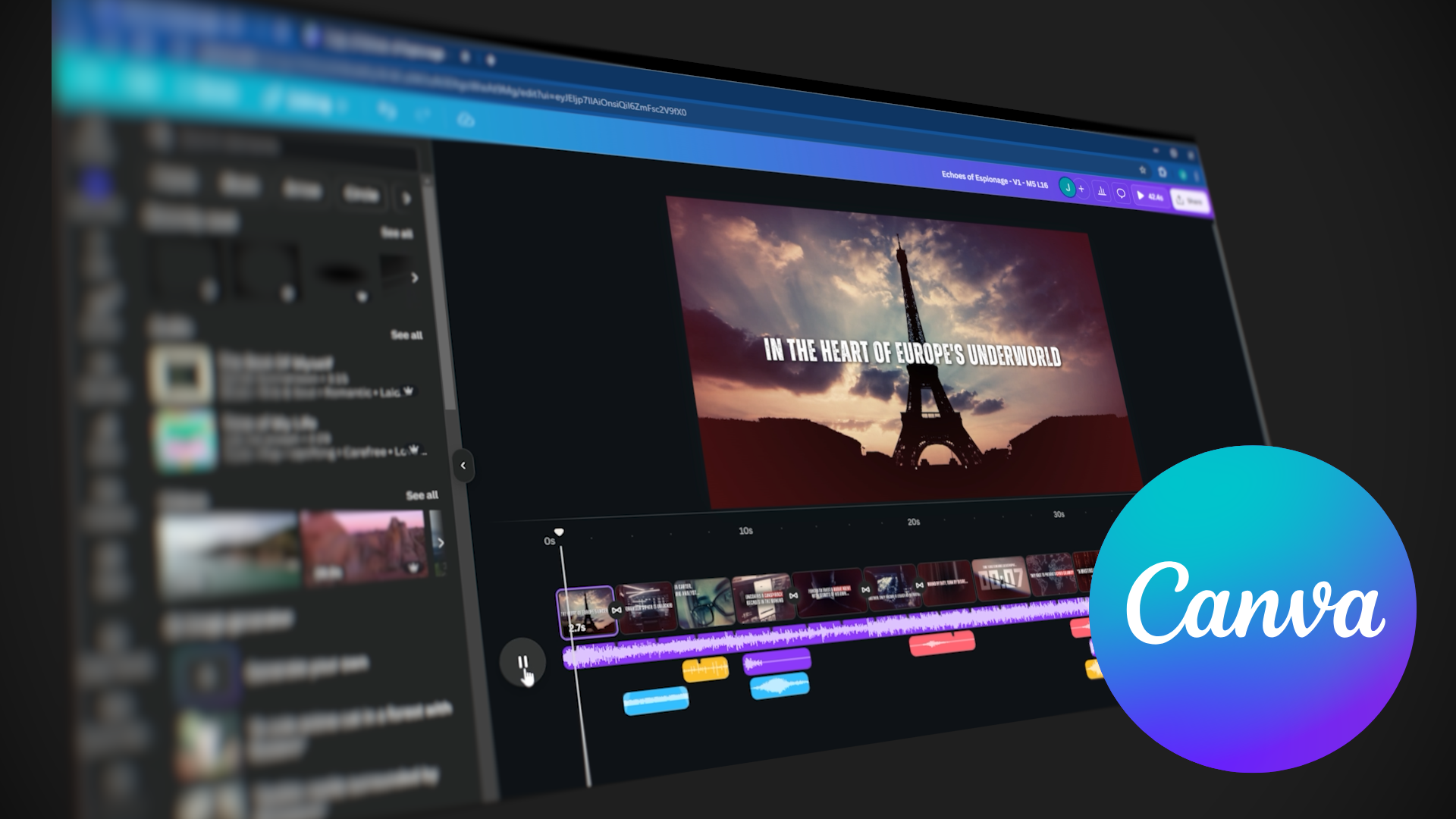
Canva is powerful enough for cinematic book trailers.
Canva can absolutely produce studio-quality trailers — but only if you treat it like an editing tool, not just a design app.
Most authors never see its full potential because they learn buttons and features, not filmmaking logic.
- how to structure scenes
- how to control pacing
- how to animate text
- how to blend images + video
- how to time music correctly
This course gives you the creative decisions of a filmmaker and the exact steps in Canva Pro to execute them.
Real Results from Real Authors
See how publishers and authors are using this course to create professional, cinematic book trailers on their own.
What’s Included
Everything you need to go from “I’ve never edited video before” to a cinematic, professional book trailer you’re proud to share.

Special Offer
Get the entire course for just $200.
$600 $200 today You save $400 (67% OFF).
Pricing subject to change without notice.
- 👉 If you want your book to stand out…
- 👉 If you want a cinematic trailer…
- 👉 If you want to learn this once and use it forever…
This is the moment.
YES — I Want ThisSecure lifetime access at our current best price.
Want to Stay In the Loop?
Sign Up below to receive course updates and a free PDF on 60 Ways to Use a Book Trailer.
Meet Your Instructors
Learn from a producer–editor team behind dozens of cinematic trailers for authors, publishers, and brands.



Frequently Asked Questions
Still wondering if this course is right for you? Here are answers to the questions authors ask most.
Do I need video experience?
Does Canva Pro come included?
Will this work for my genre?
How long will it take?
Do I need a Mac or a PC?
What if it’s not for me?
How long will I have access?
Your book deserves a cinematic first impression.
Let’s make it together.
Join the Canva Book Trailer Course and start creating a trailer that stops readers mid-scroll.
👉 $200 (normally $600 — 67% OFF)
👉 Pricing subject to change without notice.