Create a Cinematic Book Trailer in Canva –
Even If You’ve Never Edited Video Before

The fastest, simplest way for authors to get more visibility, credibility, and book sales - without hiring expensive freelancers or wasting hours on YouTube tutorials.

Get Instant Access
👉 Cyber Monday: $95 (normally $600) — 85% OFF.
Offer expires December 8th.
Time Remaining
00
Days
00
Hours
00
Minutes
00
Seconds
Why Most Book Trailers Fall Flat

You spent months writing your book.
But in today’s world, that’s only half the battle.

Readers don’t browse the way they used to. Books have to grab attention — instantly, visually, emotionally.

That’s why authors who use video are winning — and why book trailers have quietly become one of the most powerful ways to stand out in a crowded marketplace.

But there’s a problem… Every author wants a cinematic trailer. Very few know how to make one.

Most authors end up stuck in one (or more) of these four traps:

⚠️
Freelancers on Fiverr who send back generic, template-looking trailers that actually make your book look less professional.
😫
YouTube tutorials that skip crucial steps, assume you already know editing, and never give you a full start-to-finish workflow.
💸
Production studios charging $2,000+ for a single 30 second trailer - every time you launch a new book.
🥀
Trying it yourself in Canva… until animation, pacing, music timing, style, or export settings completely derail your progress.

So you end up feeling stuck, behind, and invisible — while authors with polished trailers look legit, rack up views, and attract more readers.

Here’s the truth

You can create a professional, cinematic book trailer in Canva.
You just need the right system.

Get the Free Book Trailer Guide
Sign up to receive 60 Ways to Use a Book Trailer and occasional updates to help you create cinematic, high-impact trailers.

Trailer Stack System
Every cinematic trailer we build is stacked on three core layers.
📖
Story
Clarify your hook, beats, and emotional arc so viewers care in the first 3 seconds.
Narrative
🎨
Design
Visuals, typography, and motion that match your genre and feel like a real campaign.
Visuals
🎧
Sound
Music and sound design timed to your cuts so the trailer lands with cinematic impact.
Emotion
Our Unique System

The Trailer Stack System

The simplest step-by-step method to create a studio-quality book trailer in Canva — no tech skills required.

This is the unique mechanism inside our course — what makes it different, stronger, and more effective than anything else online.

Inside the course, you’ll learn:

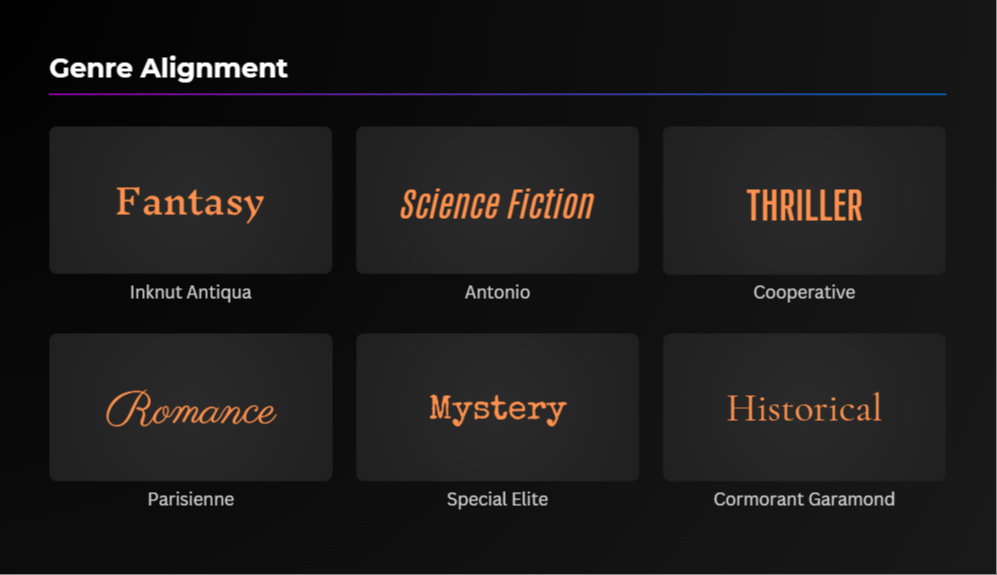
  • How to choose visuals that match your genre (so your trailer instantly “feels right”).
  • How to create pacing and timing that keeps viewers watching.
  • How to add cinematic music and sound effects without breaking copyright rules.
  • How to use Canva Pro’s hidden features to make your trailer look like actual film editing.
  • How to structure your trailer so it builds emotion and makes people want the book.

This is not a “follow along with templates” course. It’s a complete system that shows you exactly how to build a real, professional trailer from scratch.

By the end, you’ll create a trailer you’re genuinely proud to share — and you’ll know how to make trailers for every future book you release.
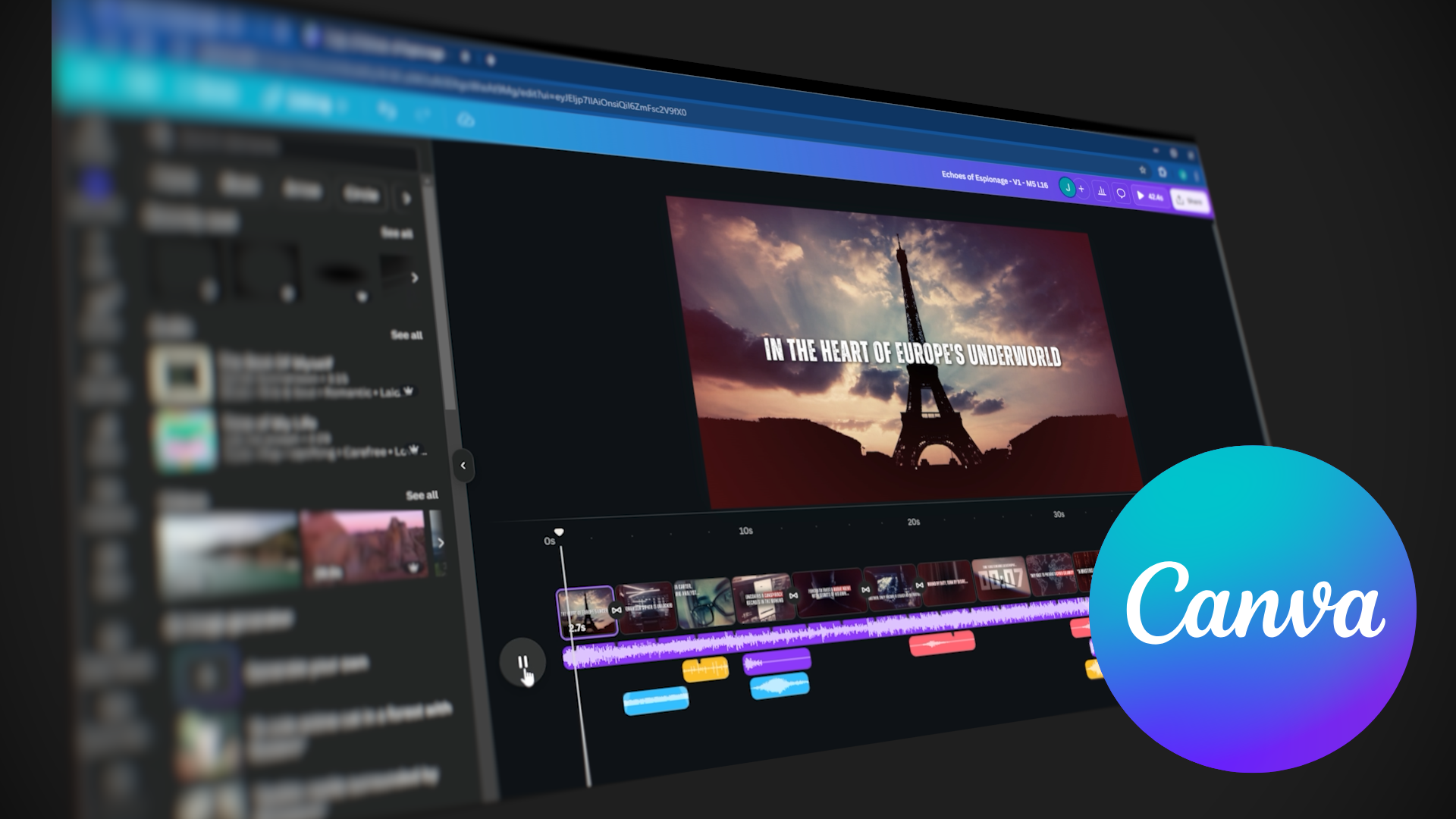
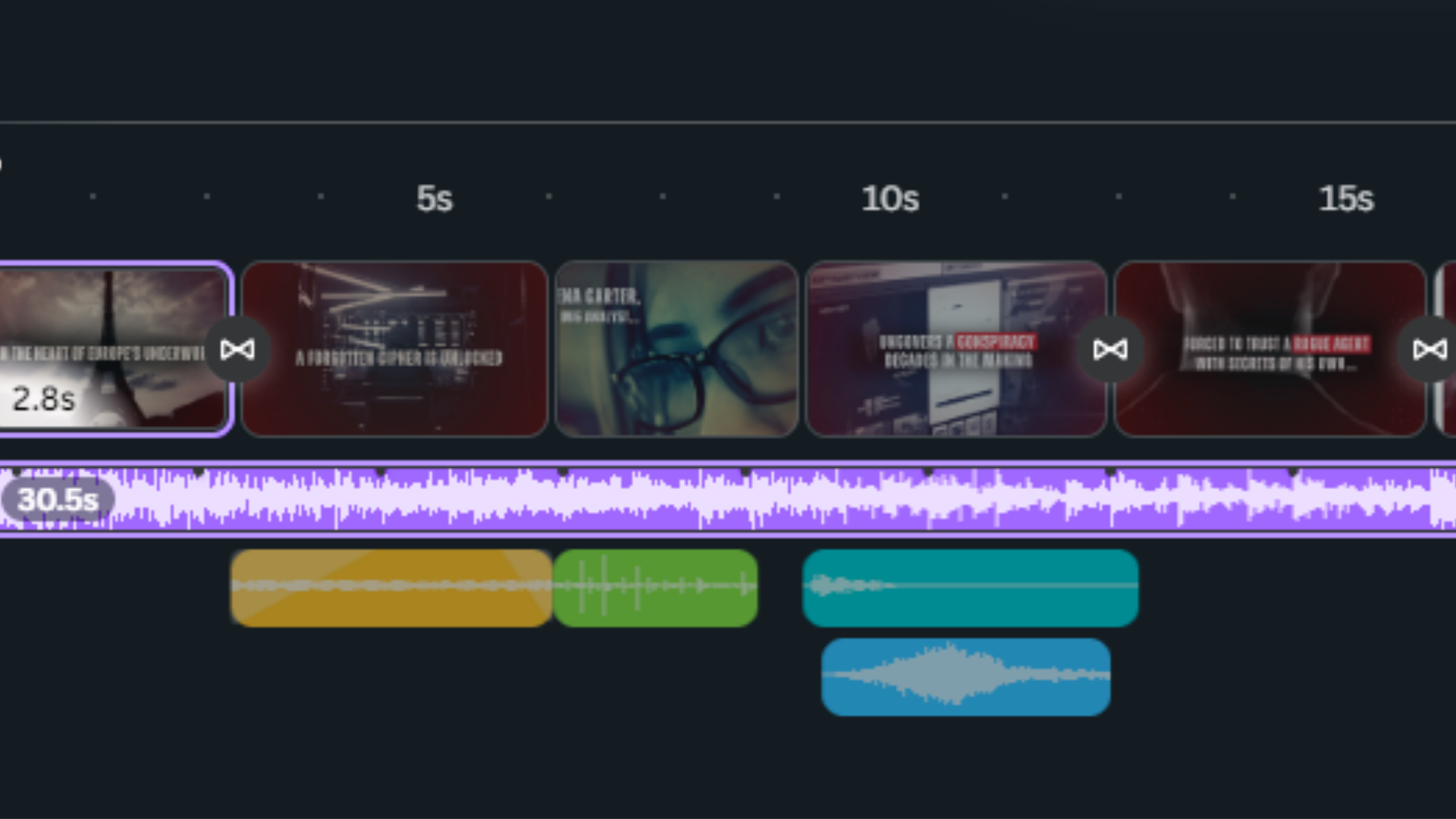
Built in Canva Pro Canva interface showing a book trailer project
Why Canva?

Canva is powerful enough for cinematic book trailers.

Canva can absolutely produce studio-quality trailers — but only if you treat it like an editing tool, not just a design app.

Most authors never see its full potential because they learn buttons and features, not filmmaking logic.

  • how to structure scenes
  • how to control pacing
  • how to animate text
  • how to blend images + video
  • how to time music correctly

This course gives you the creative decisions of a filmmaker and the exact steps in Canva Pro to execute them.

Trusted by Authors & Publishers

Real Results from Real Authors

See how publishers and authors are using this course to create professional, cinematic book trailers on their own.

📍 Melissa
Publisher
“Clear, easy to follow, and gave me exactly what I needed to make professional-looking trailers. This course makes the process simple and fun.”
📍 Margie
Author
“I was totally impressed by the professionalism. The Canva screen demos were easy to follow and the training was divided in a way that made everything doable.”
📍 Marius
Author
“It took me a couple hours to understand how to create my own book trailers. Incredibly smooth, intuitive, and well worth the investment.”

What’s Included

Everything you need to go from “I’ve never edited video before” to a cinematic, professional book trailer you’re proud to share.
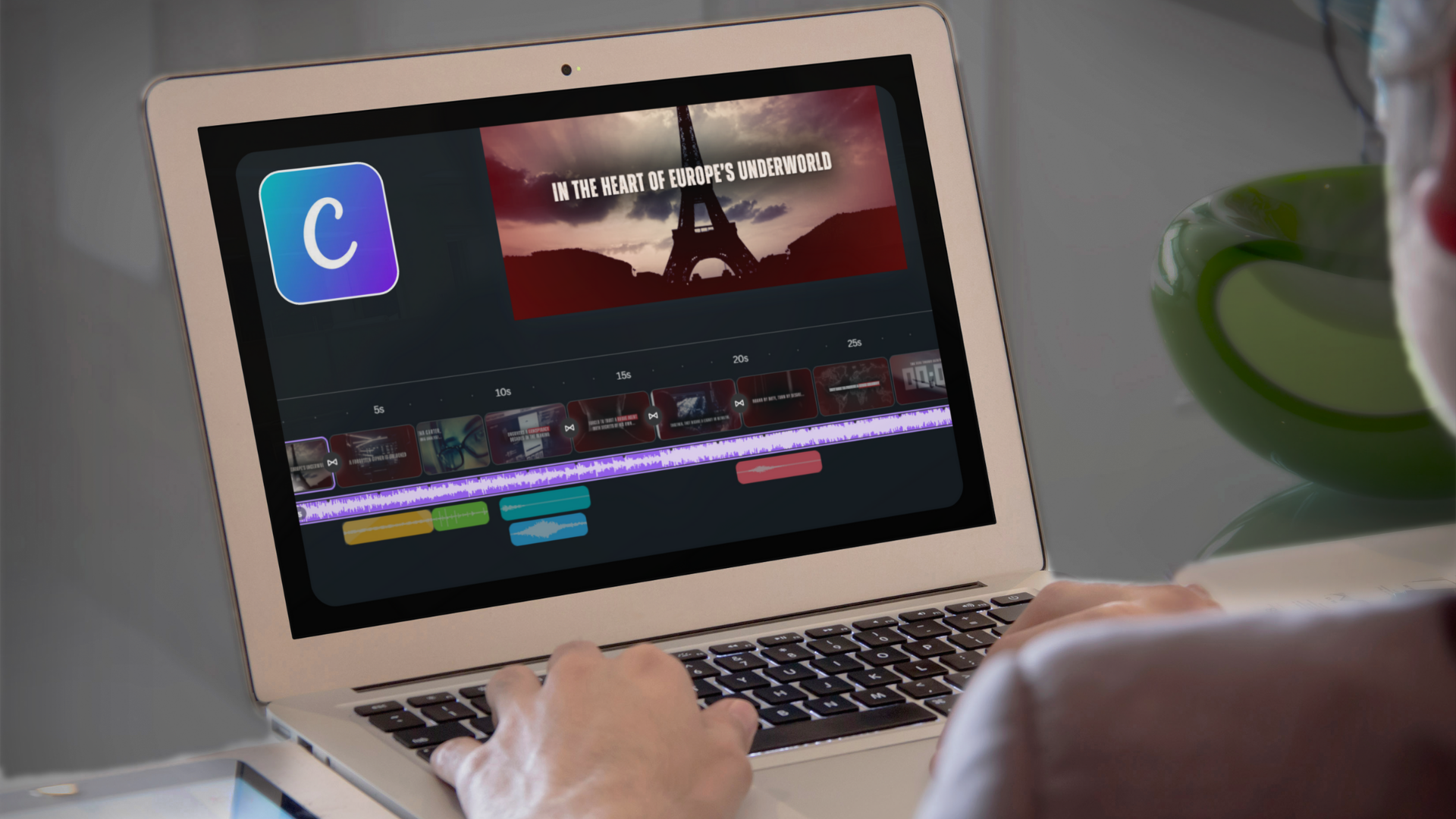

Video tutorials thumbnail
21 Video Tutorials
Over two hours of HD step-by-step lessons showing you exactly what to click and why.
Practice project thumbnail
Hands-On Practice Project
Follow along as we build a full trailer together from blank Canva project to final export.
Feedback thumbnail
Professional Feedback
Submit your trailer and get expert, constructive notes to help elevate your final cut.
Sound design thumbnail
Sound Design & Music Training
Learn how to pick, time, and layer audio so your trailer actually hits emotionally.
Genre styling thumbnail
Genre-Based Styling Guide
Make sure your visuals match your book’s genre—romance, thriller, fantasy, nonfiction, and more.
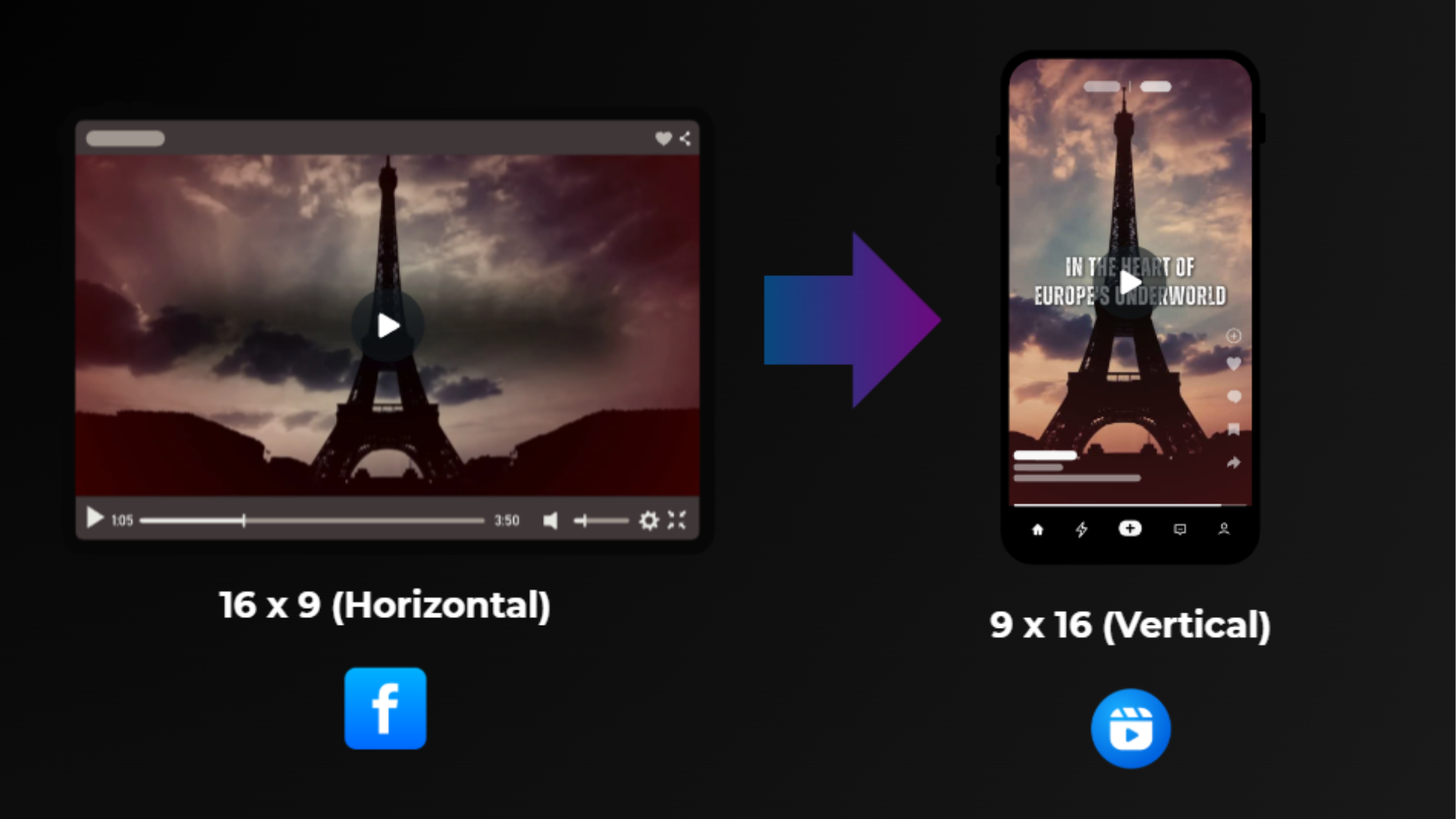
Export settings thumbnail
Export Settings for All Platforms
Perfect exports for Amazon, Instagram, TikTok, YouTube—without guessing.
Canva Book Trailer Course Thumbnail

Limited Cyber Monday Offer

Get the entire course for just $95.

$600 $95 today You save $505 (85% OFF).

Deal expires December 8th. This is the lowest price it will ever be offered at.

  • 👉 If you want your book to stand out…
  • 👉 If you want a cinematic trailer…
  • 👉 If you want to learn this once and use it forever…

This is the moment.

YES — I Want This

Secure lifetime access at the lowest price it will ever be offered.

Want to Stay In the Loop?
Sign Up below to receive course updates and a free PDF on 60 Ways to Use a Book Trailer. 
 

Meet Your Instructors

Learn from a producer–editor team behind dozens of cinematic trailers for authors, publishers, and brands.

Timothy
Executive Producer, Market Your Industry
Timothy is an award-winning producer with 30+ years in marketing and entertainment. His past work includes Disney, MGM, and John Cleese—bringing studio-level storytelling to independent authors.
Brands: Disney · MGM · John Cleese
Jeremy
Senior Video Editor & VFX Artist
Jeremy leads post-production at MYI, specializing in editing, motion design, sound, and color. He has worked with IBM, Visa, and top YouTube creators—bringing cinematic polish to author campaigns.
Clients: IBM · Visa · YouTube Creators

Frequently Asked Questions

Still wondering if this course is right for you? Here are answers to the questions authors ask most.

Do I need video experience? +
No. This course assumes zero experience. We guide you step-by-step inside Canva Pro and walk you through every workflow.
Does Canva Pro come included? +
Canva Pro isn’t included, but they offer a 30-day free trial for new users. After that, Canva Pro is around $15/month. 👉 https://www.canva.com/pricing/
Will this work for my genre? +
Yes — the system works for fiction, nonfiction, memoir, fantasy, thriller, romance, and more.
How long will it take? +
The core lessons take about 3 hours, but you can learn at your own pace. Many authors build their first trailer in a weekend.
Do I need a Mac or a PC? +
Canva is browser-based — it works on both. We also point out any small differences between Mac/PC workflows.
What if it’s not for me? +
You’re covered by a 30-day money-back guarantee. No questions asked. Email us anytime at [email protected].
How long will I have access? +
You get lifetime access to the course and all project files — including future updates.
Final Call – Cyber Monday
Canva Book Trailer Course thumbnail

Your book deserves a cinematic first impression.
Let’s make it together.

Join the Canva Book Trailer Course and start creating a trailer that stops readers mid-scroll.

👉 Cyber Monday Price: $95 (normally $600)
👉 Expires December 8th – then the price goes up.

This is the lowest price this course will ever be offered at.